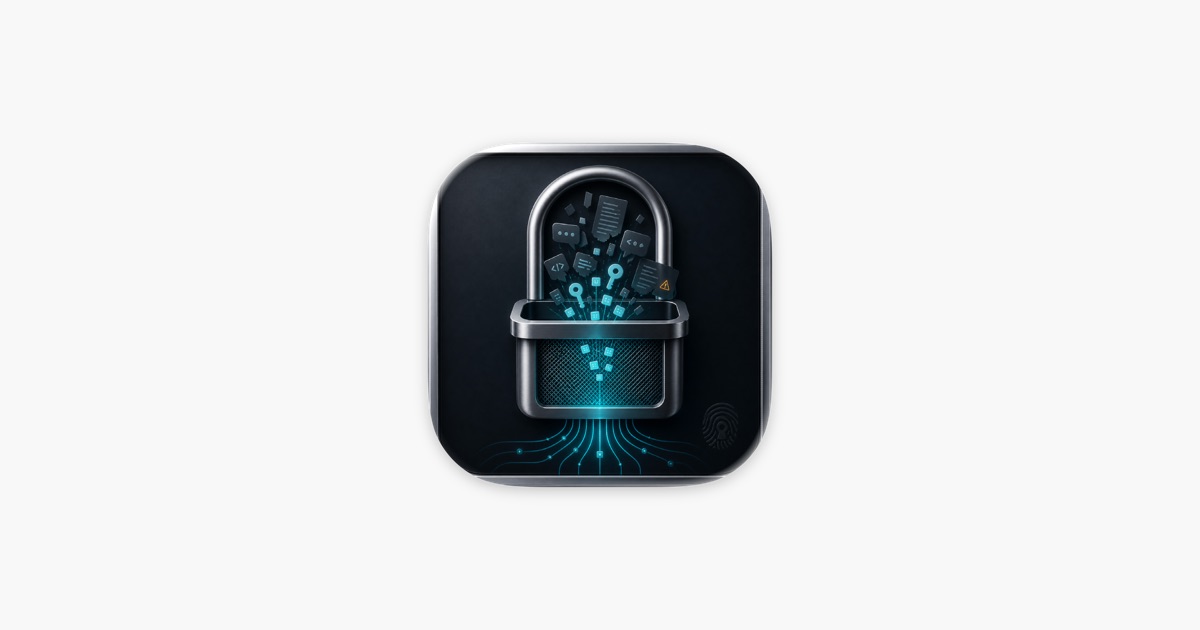
And just like that, your carefully guarded API key is floating in the ether. That’s the chilling reality a new macOS application, Sieve, is designed to prevent. It’s not about preventing the leaks themselves — that’s a developer discipline issue — but about catching the aftermath, the digital detritus of hurried prompts and autocomplete slip-ups.
Look, we’ve all been there. You’re deep in a coding session, wrestling with a stubborn API, and you paste that credential into your AI chat for a quick syntax check or an example. Then, a moment of panic: was that sensitive? Sieve targets that gnawing uncertainty.
It scans the chat histories of popular AI coding assistants like Claude Code, Cursor, VS Code Copilot, and others. The data’s kept entirely on your machine. Nothing is uploaded. Ever.
Is This Just Another Security Tool?
Not quite. While the market’s awash in secrets management platforms and CI/CD security scanners, Sieve’s angle is precisely the accidental exposure during interactive AI development. Think of it as a digital post-it note scraper for your AI conversations.
The core pitch is simple and, frankly, appealing to a developer audience wary of cloud sprawl: 100% local scanning. This isn’t another SaaS product demanding your code or your credentials. Sieve’s developers proudly state: “no network requests, no cloud sync,” and crucially, “no telemetry or analytics.” That’s a bold statement in today’s data-hungry tech landscape.
What it does scan are the SQLite databases and plain text files where these AI assistants store your chat logs. Locations vary, but Sieve’s developers have mapped them out for Claude, Cursor, VS Code, and others. The tool then pores over these logs for patterns that scream “secret” – API keys, tokens, passwords, private keys. Stuff that, if exposed, could unlock databases, control cloud infrastructure, or worse.
Sieve scans your AI coding assistant history for accidentally leaked secrets - API keys, tokens, passwords, and private keys - before they cause damage.
Once a potential leak is identified, Sieve doesn’t just flag it. It offers a way to redact those secrets directly from VS Code’s chat databases, creating a timestamped backup beforehand. It also includes a “Vault” feature, backed by macOS Keychain, for storing newly rotated (and presumably secure) credentials. Copying from the Vault requires biometrics or your Mac password. That’s good. Essential, even.
Why Does This Matter for Developers’ Privacy?
The integration with Claude Code’s local MCP (model-centric processing) server is particularly interesting. It suggests a future where AI assistants can proactively check for exposed secrets before they’re used in a prompt, or even use vault-injected credentials without the raw secret ever being exposed to the language model itself. This moves toward a more secure, privacy-preserving AI development workflow.
But here’s the skeptical journalist’s take: the effectiveness hinges entirely on the developer’s diligence. Sieve is a safety net, not a preventative measure against fundamental security hygiene lapses. If a developer consistently pastes sensitive information into prompts, Sieve can catch it after the fact. It’s like wearing a helmet for cycling; essential, but it doesn’t stop you from cycling into traffic.
Furthermore, while the app is built for developers who “take secrets hygiene seriously,” the very existence of such a tool implies that a significant number of developers don’t. This isn’t a critique of Sieve, but a reflection of the ongoing battle between developer convenience and security imperatives. The market for tools like Sieve will likely grow as AI assistants become more integrated into the development lifecycle. We’re seeing a shift from traditional code analysis to analyzing the human-AI interaction layer itself.
The permissions model is standard macOS fare – security-scoped bookmarks that grant read access to specific directories, initiated by the user. No surprises there. The open-source core (SieveCore) is a plus for transparency.
Ultimately, Sieve is a pragmatic, developer-focused tool addressing a nascent but growing problem. It’s a response to the inherent risks of integrating powerful, conversational AI into the complex, often rushed, workflow of software development. Whether it becomes an indispensable part of the developer toolkit or a niche solution will depend on how widely these accidental leaks become a perceived threat, and how effectively Sieve can adapt to the ever-evolving AI landscape.
🧬 Related Insights
- Read more: Claude.ai Users Get Multi-Account Fix: ClaudeShift Extension
- Read more: GitHub Actions: Beyond the Basics [10 Hidden Gems]
Frequently Asked Questions
What does Sieve actually scan for?
Sieve scans AI chat histories for API keys, tokens, passwords, and private keys. It looks for patterns indicative of sensitive credentials that may have been accidentally pasted into prompts or suggested by autocomplete.
Is Sieve safe to use if I’m worried about my data?
Yes, Sieve is designed with privacy as a core tenet. All scanning is performed locally on your Mac. It does not send any data to the network, requires no account, and has no telemetry or analytics. Secrets are stored securely in macOS Keychain.
Can Sieve fix past leaks?
Sieve can redact detected secrets directly from VS Code chat databases, effectively removing them from the stored history. However, it cannot recall secrets that may have already been exposed through other means beyond your local chat logs.