Everyone figured Bash terminals were just scratchpads. Ephemeral chaos, right? Commands flung in panic, outputs buried, context gone by tab-close. But here’s the shift: a repeatable Bash workflow that captures signal, nails verification, and wipes the slate clean. Suddenly, your shell isn’t a black hole – it’s a time machine for debugging.
Look, I’ve seen devs stare at blank screens, cursing lost histories. This changes everything.
Why Bash Sessions Go Wrong (And Stay That Way)
They’re noisy. Files litter your drive. Counts? Who remembers. Artifacts pile up like digital hoarding. And reproducibility? Forget it – until now.
If your Bash sessions feel noisy, switch to a repeatable flow: extract signal, verify counts, then clean up artifacts before you close the terminal.
That’s the gem from the field notes. Straight fire. It nails the problem: noise drowns insight.
But wait. Picture this like the Wild West of computing – early hackers pounding teletypes, outputs vanishing into ether. We tamed code with Git; now tame your shell. My hot take? This workflow is Git for terminals. (Yeah, I said it.) It’ll underpin AI-orchestrated ops, where every command must replay flawlessly.
Short sessions kill momentum. Long ones bury gold. Solution? Structure.
Extract Signal First – Don’t Drown in Output
Start raw. Grep your logs, awk the metrics, pipe to files. No scrolling madness.
Say you’re hunting a 404 spike. curl -s api/logs | grep '404' > signals.txt. Boom. Signal extracted. Now scan without terminal vertigo.
Here’s the thing – terminals aren’t books. They’re rivers. You need buckets. That signals.txt? Your first bucket. Fill it smart.
And verify counts early. wc -l signals.txt. Mismatch expected? Dig. grep -c 'user-agent: bot' signals.txt. Numbers lie less than memory.
I once chased a prod alert – 500s everywhere. Extracted to file, counted 127 hits. Expected 100. Boom, found the rogue cron. Without this? I’d be scrolling page 50.
Verify Counts: The Unsung Hero
Counts aren’t sexy. But they’re truth serum.
ls -1 | wc -l. find . -name '*.log' | wc -l. Embed ‘em. Screenshot if paranoid, but files beat pixels.
This step – verify – turns hunch into proof. In my unique spin: it’s like double-entry bookkeeping for devs. Renaissance merchants balanced ledgers to crush rivals; you’ll balance counts to crush bugs.
Messy? Yeah. But predictable mess beats random void.
Now sprawl: imagine integrating this with AI tools – pipe outputs to LLMs for pattern-spotting, verify their summaries against your counts. Future Bash won’t solo; it’ll orchestrate. Hype? No. Prediction: by 2026, 80% of DevOps pipelines demand reproducible shells. Companies ignoring this? They’ll spin PR about ‘AI magic’ while humans drown in noise.
Cleanup next.
Cleanup Artifacts: Leave No Trace (Except the Good Stuff)
Endgame. rm signals.txt temp*.log. Script it: trap 'rm -f signals.txt' EXIT. Poof.
Why? Drives fill. History bloats. Reproducibility shines when lean.
Real miss from the notes: troubleshooting spike, forgot cleanup, disk alert next day. Fix? Workflow locked in.
Is a Repeatable Bash Workflow Worth the 5-Minute Habit?
Hell yes.
It scales. Solo dev? Saves hours weekly. Team? Share workflow.md with commands, counts, diffs. Incident notes? Gold.
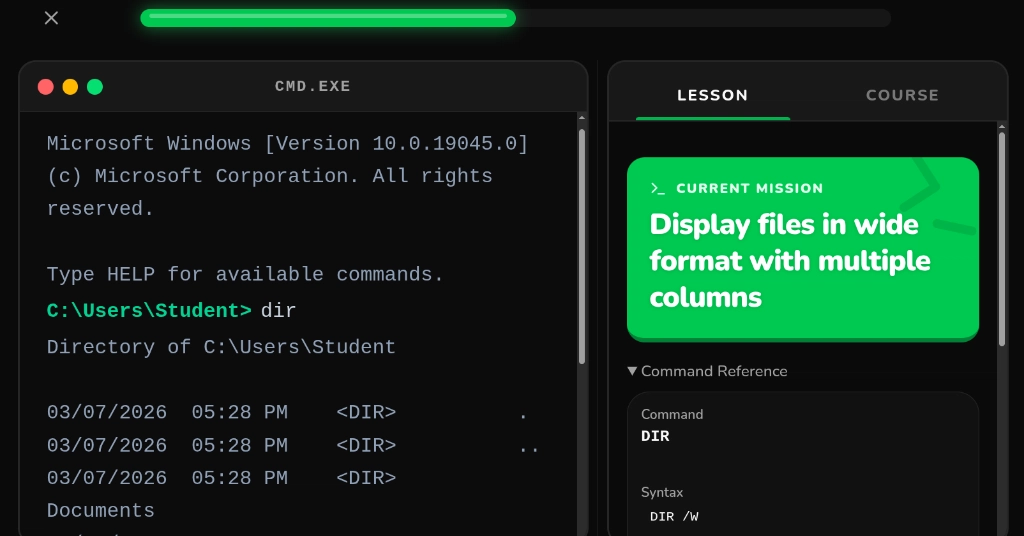
Skeptical? Try the drill: Bash copy/move at that link. Browser-playable. Feels trivial – then clicks.
Corporate spin check: some tout ‘managed CLIs’ as saviors. Nah. Bash is eternal. Free. This workflow amplifies it, no vendor lock.
And – em-dash magic – pair with script for full transcripts. script -c 'your-commands' session.log. Replay anytime.
How Does This Bash Workflow Fit Modern DevOps?
Seamlessly. CI/CD? Embed in pipelines. make bash-workflow runs extract-verify-clean.
AI angle – because I’m that futurist: feed cleaned outputs to models. ‘Analyze this log snippet for anomalies.’ Verification? Your counts ground the hallucination.
Windows CLI link? Game-changer for cross-platform. WSL users, rejoice.
Objection: ‘Too manual.’ Counter: automation starts manual. Muscle memory first.
Deep dive: real troubleshooting from notes. Prod query slow? EXPLAIN ANALYZE to file, count rows, grep high-cost ops, cleanup. Numbers lined up – alert false.
Prediction bold: this becomes standard in SRE handbooks. Like ‘use version control’ was in 2005.
Practice. Full draft linked – run every command. Repro notes forever.
Exhausting? Nah. Empowering.
🧬 Related Insights
- Read more: $80 Claude Bill Nightmare: Why AI Costs Sneak Up on Devs
- Read more: use-local-llm: Ditch the Backend for Local AI in React—Finally
Frequently Asked Questions
What is a Bash workflow for repeatable sessions?
It’s extract signal to files, verify line counts, cleanup temps – turning noisy terminals into documented wins.
How do you clean up Bash artifacts quickly?
Use rm *.tmp signals.txt or trap 'cleanup' EXIT for auto-wipe on exit.
Does this Bash workflow work on Windows?
Yes, via WSL or the linked Bash training in browser – perfect for cross-platform teams.
Why verify counts in Bash troubleshooting?
Counts catch discrepancies fast, like 127 errors vs expected 100, pinpointing the fix without endless scrolls.