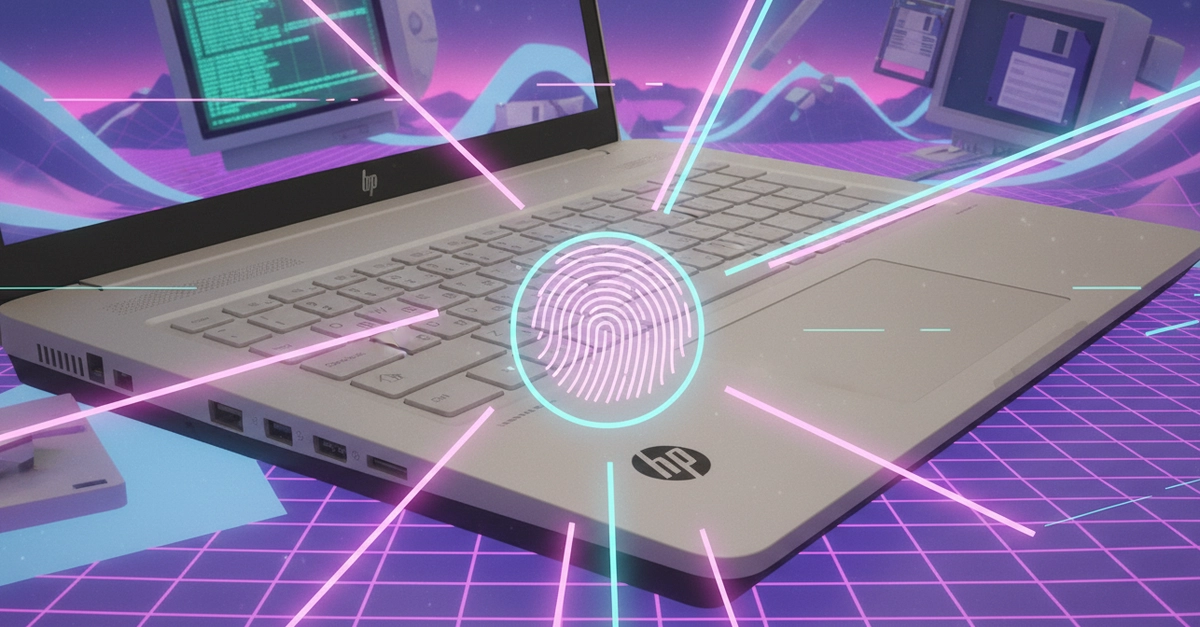
Of the 649 HP EliteBook 840 G5 systems with the 138a:00ab fingerprint sensor logged on linux-hardware.org, precisely zero worked on Linux. Zero. That stark statistic underscores a pervasive, often frustrating, reality for Linux users: hardware support isn’t magic; it’s a battleground of reverse engineering and kernel patches.
This particular offender is a Synaptics VFS7552 chip, sporting their proprietary ‘PurePrint’ anti-spoofing technology. Synaptics, in typical fashion, offers only a Windows driver. The standard Linux fingerprint library, <a href="/tag/libfprint/">libfprint</a>, had no driver for this specific Product ID (PID). Even the heroic community project <a href="/tag/python-validity/">python-validity</a>, known for tackling stubborn Lenovo ‘Prometheus’ chips, drew a blank on this one.
The Deep Dive: Beyond a Simple Driver
When you install Linux, hardware often just works. That’s the ideal, the out-of-the-box experience. Or, if you’re lucky, a vendor provides a Linux driver, which is rare outside of major component manufacturers. More often, though, it requires someone to reverse-engineer the proprietary protocol, leading to a userspace driver. If none of that happens? You’re stuck. The author’s HP EliteBook 840 G5, despite a seemingly minor issue with its 138a:00ab sensor, fell squarely into that last, unpleasant category.
The journey began with adding the 0x00ab PID to the existing vfs7552 driver within libfprint. The initial response was promising: the chip acknowledged basic identification commands. However, it bailed on the initialization blob intended for a Dell XPS variant of the same chip, essentially rejecting it as incompatible firmware. It was akin to trying to install Windows XP on a brand-new MacBook.
Disassembly of the HP Windows driver offered a glimpse into a more complex reality. Concepts like ECDH key exchange and signed firmware uploads, indicated by functions like BCryptGenerateKeyPair and BCryptSecretAgreement in the driver’s imports, pointed to a sophisticated security layer. The problem? These sequences weren’t static constants; they were dynamically constructed, hiding the exact byte sequences needed within runtime crypto operations.
A Glimmer of Hope from Prometheus
python-validity’s strength lies in its work with Synaptics ‘Prometheus’ chips, a family known for its own strong, TLS-like crypto handshakes and signed firmware. The architecture itself offered a crucial hint: perhaps the 00ab chip was merely a Prometheus chip re-branded with a VFS7552 label. The initial USB communication protocols (cmd_01, cmd_19, cmd_4302) that had worked already aligned with python-validity’s usb.send_init() sequence, bolstering this theory.
A small test script confirmed the suspicion. When python-validity’s init_hardcoded blob – a 581-byte crypto package for its supported chips – was sent, the HP chip responded with a status of 0000, indicating success. This was the breakthrough. The chip accepted the blob, implying it shared the same fundamental protocol family. The subsequent ECDH key exchange even established a clean encrypted channel against the chip’s factory TLS state. It worked.
The Finish Line: A Simple Patch, a Complex Road
With python-validity patched to include the 00ab PID, the service started up. Fingerprint enrollment (fprintd-enroll) completed successfully. The next step, verification (fprintd-verify), however, led to an infinite hang. A minute of nothingness. The issue wasn’t in the initial handshake or enrollment, but somewhere deeper in the verification process.
The problem, it turned out, was a subtle one. python-validity’s sensor.open() method only initiated a basic, partial device configuration. For the verification phase to function correctly, a more complete initialization sequence was required, specifically one that accounted for the 00ab variant.
When you install Linux, hardware often just works. That’s the ideal, the out-of-the-box experience. Or, if you’re lucky, a vendor provides a Linux driver… More often, though, it requires someone to reverse-engineer the proprietary protocol.
The solution, after all the circuitous reverse engineering, was remarkably simple: adding a single if chip.pid == 0x00ab: block to python-validity’s sensor.open() function to trigger the correct, more strong initialization path. This tiny change, born from a painstaking dissection of proprietary protocols and USB communication, finally got the HP fingerprint sensor working on Linux for a multitude of users. The lesson? Sometimes, the biggest problems have the smallest, most anticlimactic fixes – but getting there is rarely straightforward.
Will This Fix All HP Laptops?
This specific fix targets the Synaptics VFS7552 chip with PID 138a:00ab and its associated ‘PurePrint’ technology, found in models like the HP EliteBook 840 G5. It’s a significant win for users with this exact hardware. However, HP uses a wide variety of fingerprint sensors across its laptop lines. Other models and other sensor PIDs will likely require entirely different solutions, potentially involving new reverse-engineering efforts or vendor-provided drivers if they ever materialize.
What is libfprint?
libfprint is the standard open-source library for handling fingerprint readers on Linux. It acts as an abstraction layer, allowing applications like system login managers or password managers to interact with various fingerprint sensor hardware without needing to know the complex details of each device. It relies on a collection of drivers, both integrated into the kernel and provided by the community, to support different hardware.
How Does Reverse Engineering Work for Hardware?
Reverse engineering hardware, especially for devices like fingerprint sensors, involves analyzing how the device communicates with the operating system and drivers. This often starts with tools like lsusb to identify the device, followed by USB sniffers (like Wireshark with USBPcap) to capture the data exchanged between a working driver (usually on Windows) and the hardware. Developers then analyze these captured data packets, looking for patterns, commands, and data structures to understand the underlying protocol. This painstaking process can lead to the creation of new drivers or patches for existing ones, enabling functionality on alternative operating systems.