Everyone expects getting started with a new web framework to be a drag. We’re talking endless configuration, wrestling with dependencies, and that gnawing dread that you’ve missed some obscure prerequisite. The general consensus, especially for newcomers to Python and its vibrant ecosystem, is that Django setup is a significant hurdle. So when a guide promises to get you from zero to 70% project completion in “record time” for Linux, heads turn. But how much of that is genuine efficiency and how much is just accelerated hand-holding? Let’s peel back the layers.
This isn’t just about typing commands; it’s about understanding the architecture that enables this perceived speed. The author’s objective is clear: equip users with the foundational knowledge to “speedrun projects” after just a couple of posts. This implies a focus on efficiency and a deliberate skipping of the deeper dives you might expect from a comprehensive tutorial.
Why Django? (And Why It Matters)
Before we even touch a command line, there’s a crucial context often glossed over: the Python framework landscape. Flask, FastAPI – these names buzz around, each with its own strengths. The choice, as the author correctly points out, hinges on project constraints. Django, however, often stands out for its “batteries-included” philosophy. It’s a full-stack framework, meaning it provides a lot of built-in functionality for everything from ORM (Object-Relational Mapper) to templating and admin interfaces. This inherent completeness is precisely what allows for that rapid initial progress.
The ‘Why’ Behind Virtual Environments
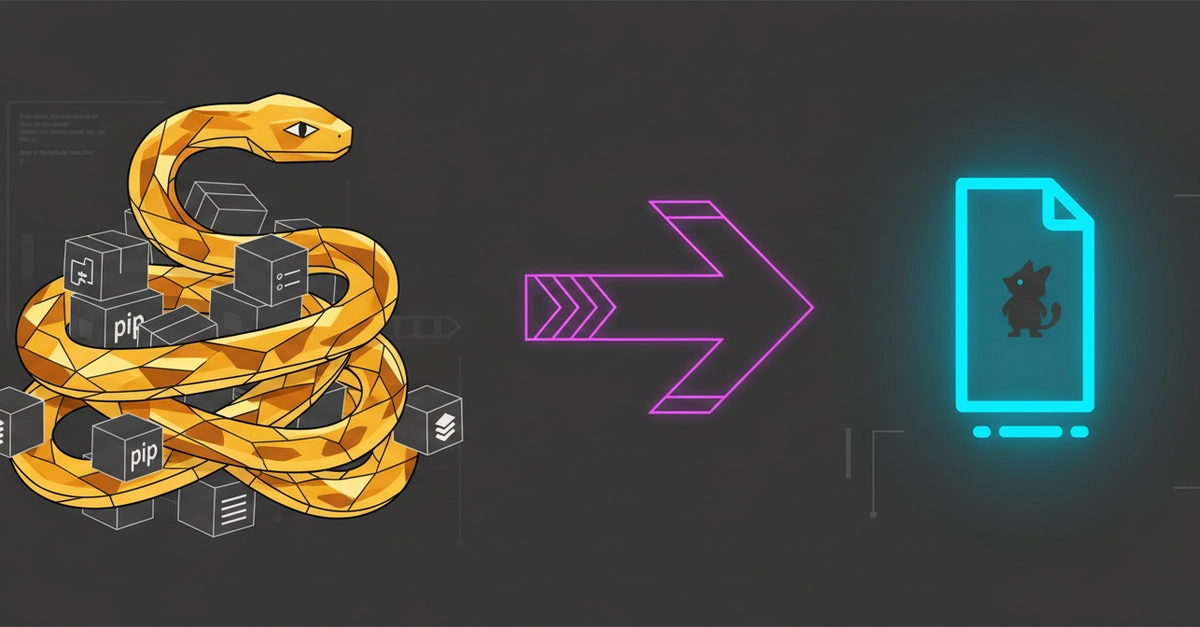
This is where the article, despite its brevity, hits a critical nerve. The emphasis on virtual environments isn’t just good practice; it’s the linchpin of sustainable, scalable Python development. For those coming from other ecosystems, the idea of isolating project dependencies might seem like an unnecessary complication. But here’s the stark reality: without it, you’re setting yourself up for dependency hell. Imagine two projects requiring different versions of the same library – a common scenario. Without isolation, you’re stuck with one version, breaking the other, or embarking on a frantic, error-prone upgrade cycle. The author’s encouragement to learn this early is prescient.
The idea behind it is that, you install all your python packages while inside your project environment and as long as you initialize your environment all your project dependencies will work (eg Django, pillow). Sounds good?
Crucially, the Linux-specific instruction to install python3-venv is a vital piece of practical intel. Unlike some Windows or macOS setups where venv might be bundled, Linux often requires an explicit installation via apt. This is a small detail, but it’s exactly these kinds of system-level nuances that trip up beginners and underscore the importance of understanding the underlying OS. Skipping this means the python3 -m venv MyProject command, as the author warns, leads to an immediate, project-killing error.
Architecting Your Initial Project
Once the environment is spun up and Django is installed (a simple pip install django within the activated environment), the next step is django-admin startproject ProjectName. This command, more than just creating files, bootstraps a specific project structure. You get a configuration directory, a manage.py script for running various management commands (including starting the development server), and an initial set of settings. It’s a pre-ordained architecture that, for better or worse, dictates the initial flow.
Then comes the python3 manage.py startapp <name_of_your_app>. This is where the separation of concerns begins. A Django project is composed of one or more “apps.” An app is a self-contained module that does something specific – perhaps managing users, handling blog posts, or processing payments. This modular design is core to Django’s scalability and maintainability. By separating functionality into apps, you can reuse them across projects and more easily manage complexity as your application grows.
The author stops short of the actual coding, focusing on the scaffolding. This is pragmatic for a “getting started” guide, but it’s important to recognize that these commands are just the overture. The real work – defining models, writing views, designing templates – lies ahead. The 70% is achieved by having the machine humming, ready for the engine to be installed.
The Engine Room: Running the Server
Finally, python3 manage.py runserver. This command fires up Django’s built-in development server. It’s not intended for production (that requires a more strong WSGI server like Gunicorn or uWSGI), but it’s perfect for rapid iteration during development. It watches your files for changes and automatically reloads, a feature that significantly speeds up the feedback loop. Visiting localhost:8000 and seeing that familiar Django welcome page is the visual confirmation that the foundation is laid.
This sequence, from Python installation and virtual environment setup to project and app creation, and finally server execution, represents the fundamental lifecycle for any new Django project. The speed comes from the framework’s opinionated structure and the efficient tooling provided by manage.py and pip. It’s a streamlined path, and for beginners aiming to get a functional prototype up and running quickly, it’s undeniably effective. The challenge, as always, is moving beyond this 70% to build a truly strong and production-ready application.
Will this guide help me build a full-stack app?
This guide focuses on the initial setup and development environment. While it gets you to 70% completion by having a running project, you’ll need to learn about Django’s models, views, templates, and URLs to build a complete application.
Is python3-venv always necessary on Linux?
Yes, on most standard Linux distributions, you’ll need to explicitly install the python3-venv package using your distribution’s package manager (like apt on Ubuntu/Debian) to use Python’s built-in virtual environment capabilities.
What’s the difference between a Django project and a Django app?
A Django project is a collection of configurations and apps. A Django app is a module that performs a specific function within the project, like handling user authentication or managing blog posts.