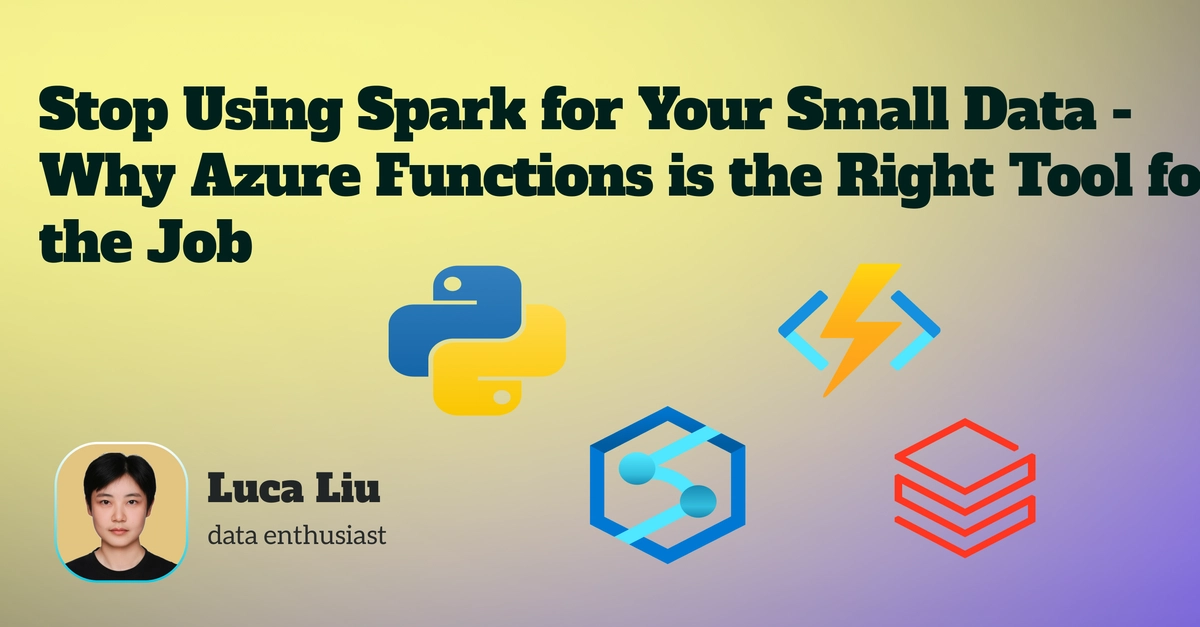
Why are we still talking about Spark for tasks that barely register on the data scale? I mean, seriously. You’ve got a pile of Excel sheets, maybe a few thousand rows a pop, and you’re contemplating firing up a full-blown Databricks cluster? It’s like showing up to a fender bender with a team of trauma surgeons.
This whole thing hinges on a familiar Silicon Valley narrative: using the shiny, powerful tool because it’s the loudest kid in the sandbox, even when your actual needs are… well, simpler. Our data analyst friend here needed to grab an Excel file from OneDrive, clean it up (the usual song and dance), and plop it into an Azure SQL Database. Simple, right? Two triggers: a daily schedule and a file-drop notification. Standard stuff.
First instinct? “Big data!” Azure Databricks or Azure Synapse Analytics. These are the Swiss Army knives of data processing, packed with Python notebooks and all the monitoring bells and whistles. Sounds perfect on paper, especially when you’re comfortable with notebooks. And sure, it worked for the proof-of-concept.
But here’s the kicker, the part that separates the starry-eyed engineers from the ones who actually have to pay the cloud bill: the files were 10MB. Ten megabytes. Not terabytes. Not even gigabytes. And these Spark behemoths, which take a solid five to ten minutes just to wake up from their cold slumber, were being tasked with a 30-second Python script. The cost implications for this kind of “efficiency” were… astronomical. Utterly, hilariously astronomical.
Is This Just Another Serverless Fad?
So, what’s the alternative when your data volume looks more like a trickle than a flood? Enter Azure Functions. Specifically, on the ‘Consumption Plan.’ This is where the real magic—or at least, the sensible economics—happens. You pay for what you use, down to the second. For this particular workflow, that meant the cost was practically zero. And the startup time? Seconds, not minutes. It’s built for triggers—timer-based or for when new blobs land in your storage. It’s the digital equivalent of having a perfectly sized wrench instead of a hydraulic press.
The one minor bump in this otherwise smooth road is the development experience. You’re not just tinkering in a browser. The recommended path involves Visual Studio Code, local development, and then deploying your code to the cloud. It sounds a bit more involved, sure, but it’s actually a best practice. Version control? Local testing? Yes, please. It ensures you’re not pushing untested garbage into production.
And the trigger options? They’re not just for timers and file drops. Need a quick API? HTTP trigger. Message on a queue? Queue trigger. The Azure Functions triggers and bindings documentation is a veritable smorgasbord for event-driven architects, or frankly, anyone who just needs a piece of code to run without a massive infrastructure overhead.
Who’s Actually Making Money Here?
This is the core of the matter, isn’t it? Databricks and Synapse are undeniably powerful tools. They’re fantastic for what they’re designed for – crunching serious big data. But their pricing models, especially when you’re not utilizing their full potential, can feel like a tax on common sense. The vendor wins when you’re running expensive, underutilized infrastructure. The developer wins—and the company’s bottom line wins—when you use the right tool for the job. Azure Functions on a consumption plan is that right tool for many small to medium data tasks. It’s a stark reminder that the most advertised solution isn’t always the most practical or cost-effective.
By nudging developers and data analysts to learn a slightly different workflow—VS Code and deployment—Microsoft isn’t just offering a cheaper service; they’re nudging people towards a more intelligent way of building cloud solutions. It’s a win-win, assuming you’re not blinded by the sparkle of the ‘big data’ hype train.
So, the next time you’re faced with a task that feels like overkill for your current tools, ask yourself: Am I using a sledgehammer to crack a nut? Because the answer is probably yes, and there’s a far more efficient (and cheaper) way to get the job done.
🧬 Related Insights
- Read more: Trivy Hack: How Attackers Hijacked Docker’s Trusted Tags
- Read more: LAB3’s HashiCorp Workflows Turbocharge Cloud Modernization
Frequently Asked Questions
What is Azure Functions consumption plan?
The Azure Functions consumption plan is a serverless compute option where you pay only for the time your code runs. It automatically scales and scales down to zero, making it extremely cost-effective for intermittent or low-volume workloads.
Is Azure Functions suitable for real-time data processing?
Azure Functions can be suitable for near real-time processing, especially with triggers like Blob or Queue triggers, but for true high-throughput, low-latency real-time streaming analytics, dedicated services like Azure Stream Analytics or Kafka might be more appropriate.
Will I need to learn a new programming language for Azure Functions?
No, Azure Functions supports multiple languages including C#, Java, JavaScript, Python, and PowerShell. You can use the language you’re most comfortable with.