Forget the buzz. Everyone expected AI assistants to magically unlock new realms of data access. What they didn’t want to talk about was the dumpster fire waiting to happen if that data wasn’t locked down tighter than Fort Knox.
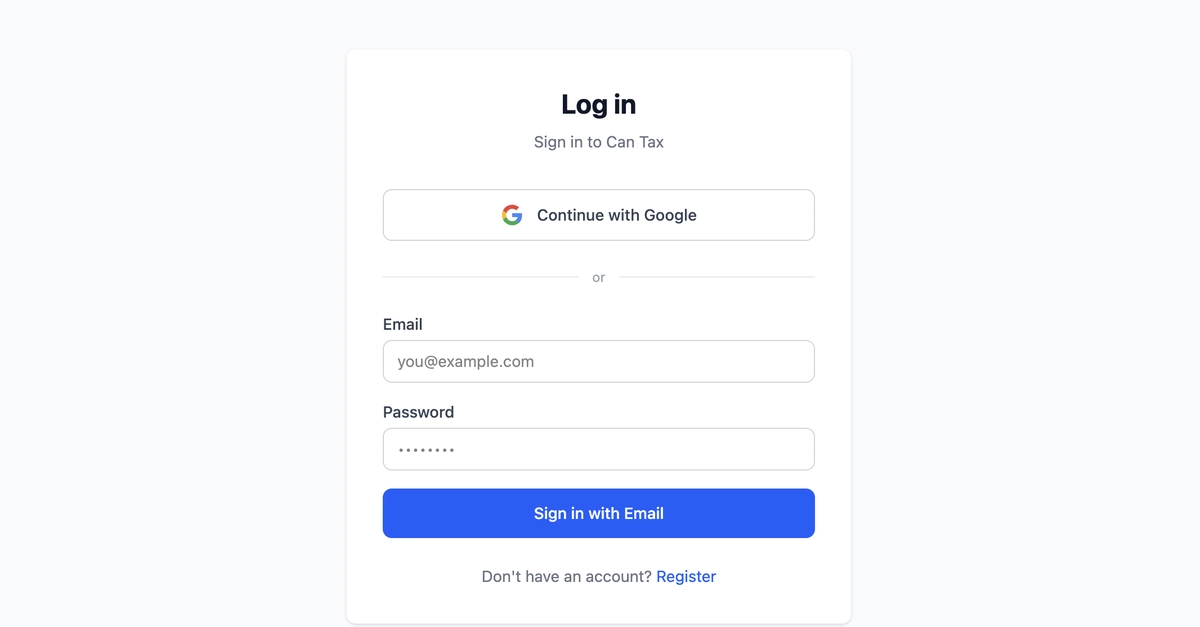
This is where the Model Context Protocol (MCP) comes in, and frankly, it’s the unsexy bedrock upon which all this AI wizardry rests. If your MCP server is just sitting there, exposed, it’s not a tool; it’s a direct invitation for a data breach. The folks at Can Tax Pro have apparently figured this out, slapping Firebase Authentication onto their Python MCP server. They’re handling two types of tokens: the standard Firebase ID tokens and their own custom OAuth 2.0 flow. It’s the difference between a well-oiled machine and a screaming headline.
The Stack in Question
It’s not rocket science, but it’s also not trivial. You’ve got your client – be it a browser or something like Claude.ai – sending a Authorization: Bearer <token> header. That hits your MCP server, which is running on Cloud Run. This server then talks to Firebase Admin SDK, which in turn interacts with Firestore, isolating data by user ID. Simple enough on paper.
The MCP server accepts two token types: Firebase ID tokens — issued by Firebase Authentication, verified cryptographically — and Custom OAuth tokens (
ctpo_*) — issued by the web app’s OAuth server, stored as hashes in Firestore.
The web app, in this scenario, is pulling double duty as its own OAuth authorization server. Ambitious. Or perhaps just practical.
Getting Firebase on Board
The server needs to talk to Firebase. So, it initializes Firebase Admin SDK once, right at startup. The credential setup is clever, adapting to its environment. Locally, you’ll set a FIREBASE_SERVICE_ACCOUNT environment variable with your JSON key. Easy. But on Cloud Run? It’s even cleaner. No secrets dumped into environment variables. The SDK just uses Application Default Credentials (ADC) via Workload Identity. That means your Cloud Run service account gets the Firebase Admin SDK Administrator Service Agent IAM role. No secrets. Production-ready. This is how it should be done. The lack of hardcoded secrets is a win, plain and simple.
Token Tango
Now, handling those tokens. They’ve got two resolvers. For the custom OAuth tokens, it’s not about storing them raw. Nobody should be doing that. Instead, they hash them with SHA-256 and then look up that hash in Firestore. If the hash matches, and the token hasn’t expired, it’s good. Revocation? Just delete the document. Boom. Gone. No lingering access. That’s a nice, clean mechanism.
Firebase, predictably, handles the heavy lifting for its own ID tokens. The firebase_auth.verify_id_token call does the cryptographic verification. It checks the signature against Google’s public keys, validates claims like expiry and issuer. And it’s smart about it, caching those public keys locally to avoid constant network chatter on every single request. That’s the kind of efficiency you expect.
Middleware Magic
So, how does this all get stitched together? A Starlette BaseHTTPMiddleware. It wraps every incoming request. It first tries the custom OAuth path. If that doesn’t fly, it falls back to the Firebase ID tokens. Public endpoints, like health checks or OAuth discovery URLs, are neatly skipped. No need to authenticate a /health endpoint. That would be silly.
If the token isn’t present or doesn’t start with Bearer, you get a 401 and a WWW-Authenticate header. Standard. If the token is there, it tries to resolve it. If both resolvers fail, it’s another 401. Simple, effective error handling. The whole thing is wrapped in a try...except...finally block to ensure a ContextVar — used to carry the user_id through the async call stack — is always reset. This prevents identity leaks between requests. A crucial detail often overlooked.
The ContextVar Conundrum
Tools shouldn’t be asking for a user_id parameter. That pollutes every function signature and makes testing a nightmare. This is where Python’s ContextVar shines. It acts like a thread-local, but for async contexts. Once the middleware sets the user_id from the token, get_user_id() can retrieve it from anywhere down the call stack. Every tool, like the list_income example shown, calls get_user_id() to scope its Firestore queries. This isolates data correctly by the authenticated user. It’s elegant and strong. It’s the kind of architecture that scales and is easy to reason about.
Why This Matters for Developers
Look, AI assistants are becoming ubiquitous. They need to access user data to be truly useful. But if you’re building an MCP server, or anything that handles sensitive user data for an AI, you must have a strong authentication strategy. This isn’t a nice-to-have; it’s the absolute baseline. Firebase Auth, coupled with careful middleware implementation and ContextVar usage, provides a solid, production-ready blueprint. It’s a reminder that the exciting AI advancements are built on solid, often-ignored, infrastructure. Don’t be the one who gets hacked because you skipped the auth.
🧬 Related Insights
- Read more: Microsoft Fabric CI/CD: The Hidden Hurdles for Data Engineers
- Read more: n8n Meets AlterLab: The No-Fail Recipe for Automated Web Scraping Pipelines
Frequently Asked Questions
What is an MCP server? An MCP (Model Context Protocol) server allows AI assistants to securely interact with real user data, acting as a bridge between the AI and your backend systems.
How does Firebase Auth secure custom OAuth tokens? Custom OAuth tokens are hashed with SHA-256 and stored as document IDs in Firestore. The server then looks up the token hash to verify its validity and retrieve the associated user ID.
Is this method suitable for other cloud platforms? Yes, the principles of using Firebase Admin SDK, environment-aware credential resolution, and middleware for token verification are transferable to other cloud environments like AWS or Azure, though specific implementation details for ADC might vary.