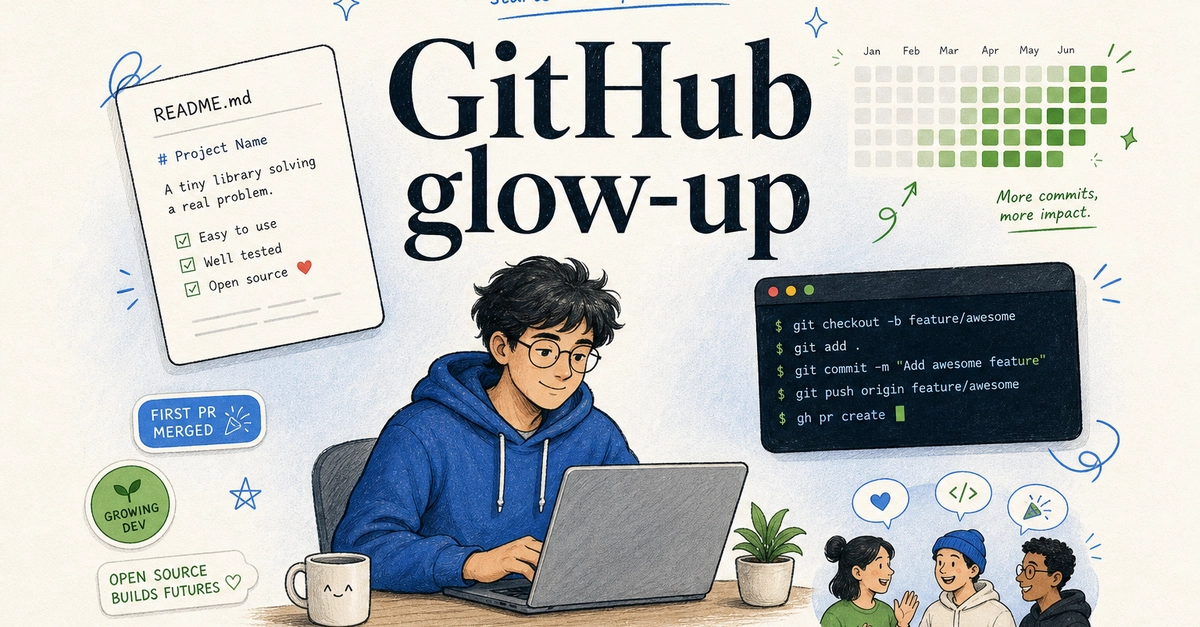
Look, nobody truly cares about your GitHub streak if the code you push breaks production. And let’s be honest, most of the shiny bells and whistles GitHub dangles in front of us — those little badges, the glowing contribution graph, the ever-present profile card — are just digital confetti. They make the platform look busy, vibrant, and somehow, important. But for the vast majority of us, the folks actually trying to build things or, god forbid, contribute to open source, what’s missing is the substance.
This isn’t about looking good; it’s about being good. The real GitHub glow-up isn’t about cosmetic surgery for your profile. It’s about rolling up your sleeves and actually becoming useful. That means understanding how open source works from the trenches, not just skimming the surface. It means writing READMEs that don’t require a PhD in arcane symbols to decipher. It means wrestling with Git without having a full-blown existential crisis, and using the GitHub CLI so you’re not just a slave to endless browser tabs. Badges, streaks, profile cards, and contribution graphs? They’re nice, sure, but they only matter after the real work is done. This is the practical, unvarnished version of the GitHub glow-up, the one the marketing teams don’t want you to think too hard about.
It’s a tale as old as time, or at least as old as the internet: beginners hunting for a famous repository, hoping to slap their name onto something significant. What usually happens? Confusion. Ignored comments. A pull request that solves a problem nobody asked you to solve. You’re trying to join the party without knowing who invited you or what song is playing. It’s the digital equivalent of showing up to a black-tie event in a clown suit.
A much, much better approach, one that doesn’t involve you feeling like a digital interloper, is this:
Pick a tool, a library, a template, or even a documentation site that you actually use. Something you’ve wrestled with, something you’ve benefited from. Read the README first. Go deeper: check out CONTRIBUTING.md, understand the license, look at issue templates, and scan the open pull requests. Then, search for labels like good first issue, help wanted, documentation, or bug. These are your breadcrumbs. And before you even think about touching a big change, comment on an existing issue. Ask if your proposed approach makes sense. Engage. Don’t just barge in.
Small contributions aren’t just acceptable; they’re often gold. Fixing unclear documentation? Improving code examples? Adding a missing test that actually catches a bug? Reproducing a bug report more accurately? Simplifying setup instructions? These are frequently more valuable than some half-baked feature you slapped together because you were bored.
And here’s the hard truth, the one maintainers whisper but rarely shout: They don’t owe you mentorship on demand. Their primary job is to protect and advance the project. Your job, if you want to be a good contributor, is to reduce their workload, not add to it. Think of yourself as a helpful assistant, not a demanding intern.
The Fork-and-Pull Dance
Most of the time, the open-source workflow on GitHub follows the well-trodden fork-and-pull model. It sounds complicated, but it’s just a way to give you space to work without messing up the original project. Here’s the drill:
# Fork the repo on GitHub first, then clone your fork
git clone https://github.com/YOUR_USERNAME/PROJECT.git
cd PROJECT
# Add the original repo as upstream
git remote add upstream https://github.com/OWNER/PROJECT.git
# Create a branch for your work
git checkout -b fix-readme-setup-steps
# Make changes, then check what changed
git status
git diff
# Commit and push
git add README.md
git commit -m "Clarify local setup steps"
git push -u origin fix-readme-setup-steps
Once that’s pushed, you open a pull request from your branch, and voilà, you’re asking to integrate your changes into the original project.
A truly good pull request doesn’t just dump code. It explains:
- What changed
- Why it changed (the motivation)
- How you tested it (proof)
- Which issue it closes, if applicable.
Think of it like this:
What changed
Clarified the local setup instructions for Node 20 users.
Why
The old steps skipped dependency installation and caused the dev server to fail.
Testing
Ran
npm installandnpm run devlocally. Closes #123
Resist the urge to bundle every little thing into one PR. A small, focused PR is like a clear, concise sentence. It’s easier to read, easier to review, and infinitely more likely to get merged. Trying to cram unrelated improvements into a single request is like speaking in tongues – confusing and ultimately unproductive.
Git: Your New Best Friend (Maybe)
Git is the engine of version control. It meticulously tracks changes, lets you experiment safely in isolation with branches, and provides maintainers with a clean, comprehensible history of everything that’s happened. For beginners looking to contribute, you don’t need to become a Git guru overnight. Master these core commands, and you’re halfway there:
# See current changes
git status
# Create and switch to a branch
git checkout -b my-change
# Stage files
git add README.md
# Commit staged files
git commit -m "Improve README examples"
# Download latest changes from a remote
git pull
# Push your branch
git push -u origin my-change
If you’re contributing to a repo you’ve forked, keeping your fork updated is crucial. Don’t let it become a fossil:
git checkout main
git pull upstream main
git push origin main
And if your branch gets stale while you’re working, just merge the latest changes in before you ask for that review:
git checkout my-change
git merge main
Understand branches, commits, remotes, and pull requests. That’s your essential toolkit. The rest is just gravy.
Gh CLI: The Terminal’s Secret Weapon
The GitHub CLI, affectionately known as gh, is a game-changer for anyone who spends more than five minutes on GitHub. It brings issues, PRs, repos, releases, Actions, and even API calls directly into your terminal. Install it, log in, and prepare to ditch some of those browser tabs:
gh auth login
gh auth status
Some gh commands that’ll make your life easier:
# Clone a repo
gh repo clone owner/repo
# Fork and clone a repo
gh repo fork owner/repo --clone
# View issues
gh issue list
# View good first issues
gh issue list --label "good first issue"
# Create a PR from your current branch
gh pr create --fill
# Check PR status
gh pr status
# View CI checks
gh pr checks
# Review a PR locally
gh pr checkout 123
# Merge when you own the repo and checks are green
gh pr merge --squash
Here’s the simple distinction: git manages your source history — branches, commits, merges, remotes. gh talks to GitHub itself — issues, PRs, Actions, releases, repos, API. Use both. They solve different problems, and together, they make you a more effective developer.
The README: It’s Not Just Decoration
A README file isn’t some optional artistic flourish; it’s the front door to your project. It’s the first impression, and often the only impression you’ll make.
A good README answers these questions fast:
- What does this project do?
- Who is it for?
- How do I install it?
- How do I run it locally?
- How do I configure it?
- How do I test it?
- Can I see screenshots or a demo?
- How do I contribute?
- What license does it use?
Structure matters. A clean README might look like this:
# Project name
One short sentence explaining what it does.
## Demo
Live link or screenshot.
## Features
- Feature one
- Feature two
- Feature three
## Tech stack
- Next.js
- TypeScript
- PostgreSQL
## Getting started
```bash
git clone https://github.com/username/repo.git
cd repo
npm install
npm run dev
Environment variables
Create .env.local
```