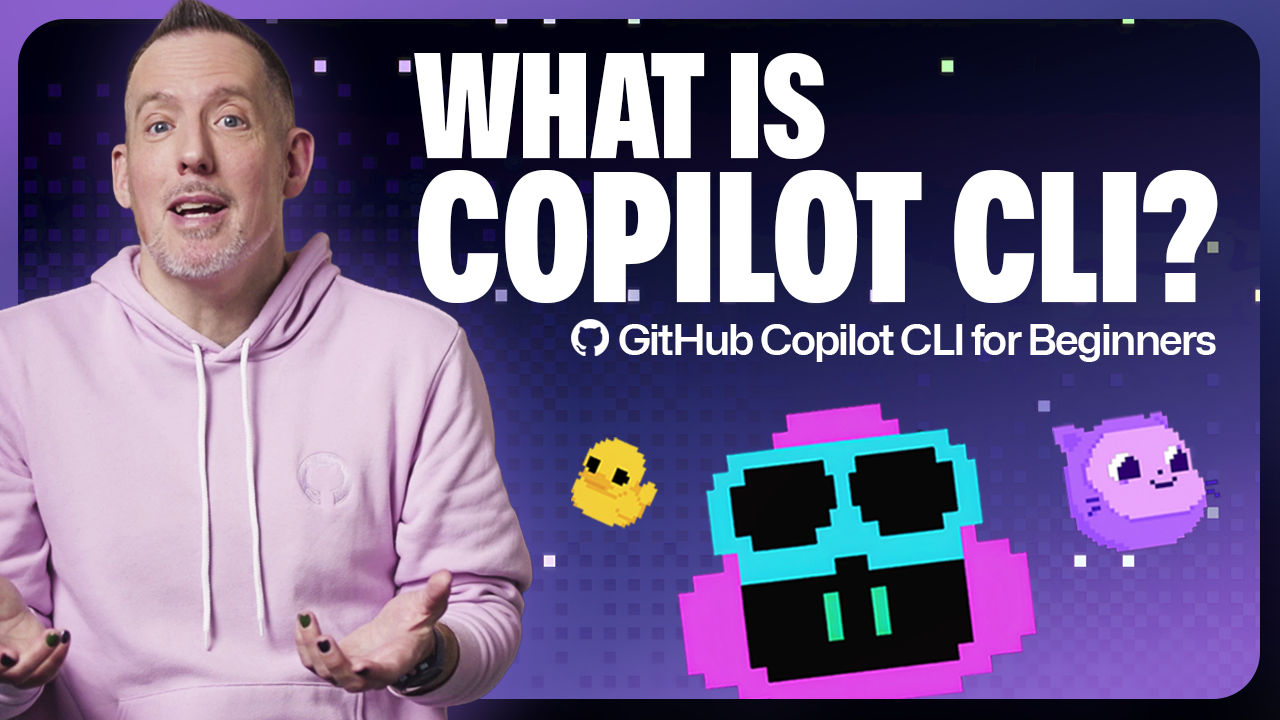
Ever wondered why your terminal— that trusty, no-frills workhorse—suddenly needs an AI sidekick?
GitHub Copilot CLI isn’t just another npm package; it’s Microsoft’s bid to inject agentic AI straight into the command line, turning passive prompts into autonomous code-slinging agents. You’ve got repos full of context, and now Copilot can roam them, build endpoints, squash bugs, even delegate to cloud agents. But here’s the rub: is this the architectural shift that frees developers from grunt work, or GitHub’s slick PR spin on incremental autocomplete?
Look, we’ve seen this movie before. Back in the ’80s, Unix pipes and tools like awk sed turned terminals into power-user playgrounds—raw, composable, zero-bullshit. Copilot CLI echoes that ethos, but with LLMs as the new glue. Instead of chaining grep and sed, you’re chaining natural language to agents that self-correct. Provocative? Sure. But my unique take: this isn’t evolution; it’s a quiet revolution prepping devs for a world where you orchestrate agents, not keystroke code. GitHub’s docs gush about autonomy, yet they gloss over the permission prompts and session limits that keep it leashed—for good reason.
“What makes agents so special is their ability to perform tasks like building code and running tests autonomously, so you can build iteratively. They can even self-correct and fix errors without needing a human to prompt them.”
That’s straight from GitHub’s blog. Sounds dreamy. Reality? Punch in npm install -g @github/copilot, auth with /login, grant folder access—and boom, you’re chatting. “Give me an overview of this project.” Copilot dives in, scans files, spits insights. No IDE swap. No context loss.
How Does GitHub Copilot CLI Actually Work Under the Hood?
But—pause—agentic AI? It’s not magic. Copilot CLI use your repo’s full context, feeding it to GitHub’s models (powered by OpenAI, naturally). Type gh copilot suggest or go interactive with plain copilot. It explores, proposes edits, seeks perms before writing. Self-correction? Yeah, it reruns tests on failures, iterates. Architectural why: terminals are stateful beasts. Copilot preserves session context across prompts, unlike chatty web UIs that forget mid-convo.
Installation’s dead simple if you’ve got Node. That global npm yank. Homebrewers? brew install github/copilot/gh-copilot. WinGet folks, same drill. First run: /login fires up a browser OAuth dance. Then folder perms—session-only or persistent. Smart move; nobody wants AI loose-cannoning production deploys.
And the prompts. God, the prompts. “Let’s add a new endpoint to return all categories.” It sniffs existing code, matches styles, crafts the file, asks to create. Boom. Or delegate: /delegate Let’s deal with issue #14... Spins a branch, PR draft, cloud agent grinds in background. You’re free—coffee run, whatever.
Why Install GitHub Copilot CLI Right Now?
Here’s the thing. Devs live in terminals. 70% of my day? Vim, tmux, scripts. Switching to VS Code for Copilot? Workflow murder. This keeps you glued, agentic flow intact. Use cases stack: project overviews (faster than tree or find), code gen matching conventions, even /fleet for parallel agents on multi-file tasks. GitHub teases more—non-interactive -p for quickies, local runs.
Skeptical eye, though. GitHub’s hype screams “autonomous,” but it’s gated. Perms everywhere. No perms? No touchy. And errors? It self-fixes… sometimes. My test repo (a Node API): nailed a CRUD endpoint, botched tests on first pass, iterated twice. Solid. But prod-scale monorepos? Context limits loom. Bold prediction: by 2025, this forks into org standards, like kubectl did for K8s—CLI-first agent orchestration, IDEs as afterthoughts.
Critique time. GitHub positions this as “pro” navigation aid. Bull. It’s beginner-friendly docs masking enterprise push—Copilot sub needed, naturally. Free tier? Tease only. They’re betting you’ll hook, upgrade. Fair play, but call the spin: not every dev wants AI in their bash profile.
Wander a sec. Recall Emacs org-mode? That ’90s hack for literate programming, task delegation via Babel. Copilot CLI? Modern heir—AI as the executor. Why care? Because terminals democratize power. GUI tools gatekeep; CLI scales. Agents amplify that.
Is GitHub Copilot CLI the Future of Terminal Workflows?
Short answer: maybe. Long? It bridges chatty AI (Claude, GPT) to actionable CLI. No more copy-paste hell. Iterative builds without context rebuilds. But pitfalls: prompt engineering still rules. Vague asks flop. And privacy—GitHub sees your code. Opt-in, sure, but trust Microsoft?
Deep dive on modes. Interactive: full chat, local runs. Non-interactive -p: shell summaries, no leave. /fleet? Parallel agents—prompts that shard work, declare deps. Game-changer for refactors.
One punchy para: Risks exist. Hallucinations in unfamiliar stacks. Over-reliance dulls skills.
Trainwreck averted. GitHub’s series promises videos—Copilot 101, advanced tricks. Worth it.
🧬 Related Insights
- Read more: LLM Web Scraping: Smart Fix or Expensive Trap?
- Read more: Go Message Bus Finally Works: But Is It Enough?
Frequently Asked Questions
What is GitHub Copilot CLI?
It’s an npm-installable CLI tool that runs agentic AI in your terminal, using repo context to generate code, run tests, and delegate tasks.
How do I install GitHub Copilot CLI?
Run npm install -g @github/copilot, then copilot /login and grant folder perms. Homebrew or WinGet alternatives work too.
Does GitHub Copilot CLI require a subscription?
Yes, Copilot individual or business sub needed for full access.