AI Coding Agents Just Got Mobile!
Look, we’ve all been there. You kick off a lengthy code generation task with Claude Code, Codex, or Gemini CLI, picturing yourself sipping coffee on the balcony, brainstorming your next big idea. But then… the nagging feeling. Is it done? Did it break? You’re chained to your monitor, a digital warden for your own AI assistant. It’s a productivity paradox, a bottleneck in the very workflow designed to free us.
And then, a flicker of genuine wonder. A tool emerges that understands this fundamental frustration. HiTerm. It’s not just another app; it’s a key unlocking a new dimension of developer freedom, a digital liberation for the AI-powered coder. It’s like finally getting a remote control for your most powerful, yet stubbornly desk-bound, digital sidekick.
Unleash Your AI Assistant
This is the core magic of HiTerm: it rips the leash off your AI coding agents. Imagine initiating a complex debugging session with Gemini CLI, then walking your dog, checking its progress and even making crucial adjustments from your phone. This isn’t science fiction; it’s the promise HiTerm delivers. It syncs your PC’s terminal session to your Android device in real-time, creating a mirror image of your command line wherever you are.
Think of it like this: your AI coding agent is a brilliant, tireless worker bee. Before HiTerm, you had to hover over its hive, watching its every move. Now? You’ve got a drone view, a perfect, live feed directly to your pocket. You can start that massive code refactor and head out for lunch, getting a notification precisely when the AI signals completion. No more anxious glances at a loading bar.
The ‘Why Now’ Moment
We’re standing at the precipice of a true platform shift, and AI coding agents are its vanguard. They’re no longer just fancy autocomplete; they’re becoming co-pilots, collaborators, even junior developers. But their utility is severely capped if they require your constant, physical presence. HiTerm’s existence is a direct response to this evolving landscape. It’s building the necessary infrastructure for this new era of AI-assisted development, treating your AI coder not as a tool confined to a box, but as a mobile, intelligent entity you can direct from anywhere.
This isn’t just about convenience, though. It’s about flow state. How many times has a critical thought been broken by the need to monitor a process? HiTerm lets you maintain that deep focus, trusting that your AI agent is diligently working, and that you’ll be instantly alerted when your input is required. It’s a subtle shift, but it profoundly impacts the creative and problem-solving capabilities of developers. It’s akin to the transition from landlines to mobile phones – it didn’t just make communication easier; it fundamentally changed how and where we work and live.
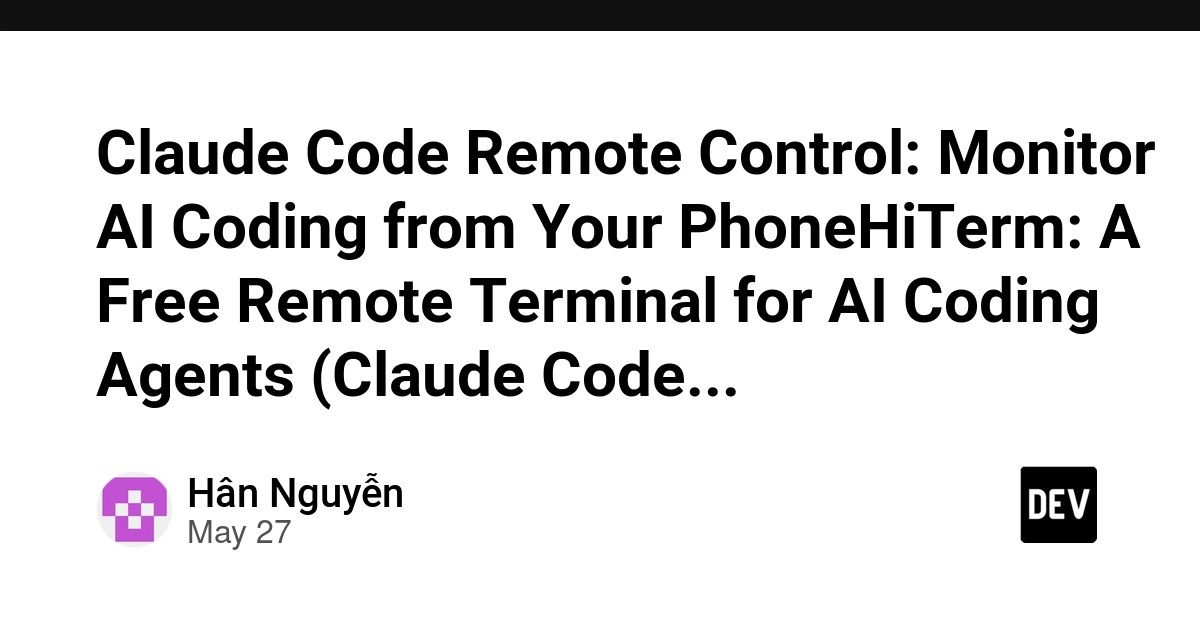
HiTerm is a free, open-source remote terminal that syncs your PC to your phone in real-time.
No Servers, Just Speed and Security
One of the most impressive aspects of HiTerm is its commitment to privacy and simplicity. There’s no complex server infrastructure to manage, no data floating around in the cloud waiting to be breached. All your terminal activity stays strictly between your PC and your phone, secured by Tailscale’s zero-trust, TLS-encrypted VPN. This is huge. It means your sensitive code, your proprietary commands – they’re not leaving your trusted devices.
The setup process itself is remarkably straightforward. Install the CLI on your PC, the app on your Android, scan a QR code, and boom – you’re connected. The use of tmux ensures that your sessions persist even if your connection drops, meaning zero data loss. It’s the kind of “it just works” experience that makes you wonder why this wasn’t a standard feature ages ago.
For Every AI Coder, Everywhere
HiTerm proudly lists support for a range of popular AI coding tools: Claude Code, Codex, Gemini CLI, Cursor, Windsurf, Aider, and essentially any tool that lives in a terminal. This broad compatibility is key. It signals that HiTerm isn’t betting on a single AI horse; it’s building a foundational layer for the entire ecosystem of AI-driven development.
So, whether you’re letting Codex generate boilerplate, asking Gemini CLI to refactor legacy code, or having Claude Code assist with complex algorithms, HiTerm gives you the reins, no matter where you are. It’s the democratization of remote AI development, making powerful tools accessible and manageable without being tethered.
Is This the Future of Dev Work?
It’s hard to look at HiTerm and not see a glimpse of where development is heading. As AI agents become more sophisticated and integral to our workflows, the tools that manage and interact with them will become paramount. HiTerm isn’t just a utility; it’s an enabler of a more flexible, more efficient, and ultimately, more human-centric development process. It’s about regaining autonomy over our digital tools and our time.
This is the kind of innovation that makes me genuinely excited about the future. It’s a practical solution to a real problem, built with smart technology and a clear understanding of developer needs. It’s free, it’s secure, and it’s genuinely useful. What’s not to love?
🧬 Related Insights
- Read more: Tiny 3.4GB LLM Smokes 25GB Behemoths in Function Calling—Here’s Why Size Doesn’t Matter Anymore
- Read more: AgentHansa Tackles Construction’s $135k Cash Drain
Frequently Asked Questions
What does HiTerm actually do? HiTerm is a free, open-source application that lets you remotely control and monitor your PC’s terminal session from your Android phone in real-time. It’s particularly useful for managing AI coding agents like Claude Code, Codex, and Gemini CLI without needing to be at your desk.
Is HiTerm secure? Yes, HiTerm uses Tailscale for a secure, TLS-encrypted VPN connection between your devices. All data stays on your devices, and no servers are used to transmit your terminal activity.
Will HiTerm work with my AI coding agent? HiTerm is designed to work with any terminal-based AI tool, including Claude Code, Codex, Gemini CLI, Cursor, Windsurf, and Aider. If your AI assistant operates from the command line, HiTerm likely supports it.