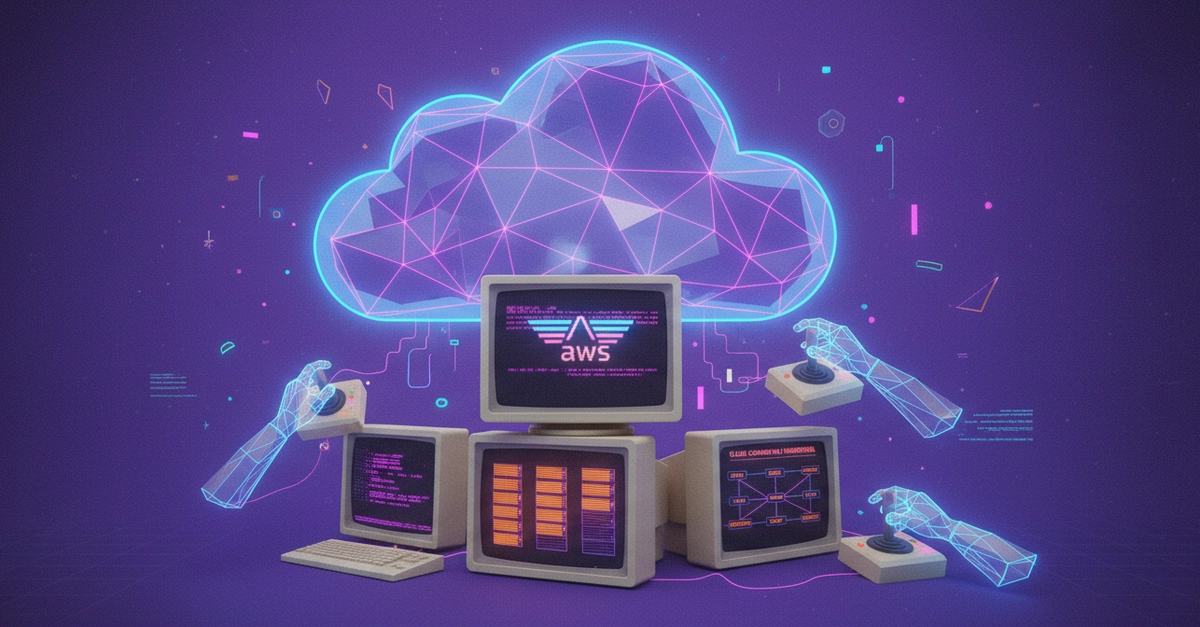
Have you ever stopped to think about the invisible scaffolding holding up your digital world? That blinking cursor on your screen, the streaming video that just started, the terrifyingly smart AI assistant whispering answers to your questions – they’re all living somewhere. And increasingly, that “somewhere” isn’t a dusty server room down the hall, but a vast, interconnected constellation of resources orbiting the planet, managed by giants like Amazon Web Services.
Cloud computing, folks, is no longer an option. It’s the air we breathe in the tech stratosphere. Whether you’re wrangling containers, coaxing intelligence out of AI models, keeping websites zipping along, or scaling a scrappy startup from zero to hero, cloud platforms are the engine room.
So, if you’re eyeing a future in DevOps, Cloud Engineering, Cybersecurity, Backend Development, Platform Engineering, or the bleeding edge of AI Infrastructure, then gripping these cloud fundamentals is arguably the smartest career move you can make right now. It’s like learning the alphabet before you can write a novel.
The Electricity Analogy
Let’s strip it back to basics. Cloud computing is simply using computing power – think processing, storage, networking – over the internet, rather than wrestling with your own physical hardware. Instead of buying servers that quickly become obsolete, racking them, cooling them, and praying they don’t catch fire, you rent what you need, precisely when you need it.
It’s the electricity model, pure and simple. You don’t construct your own nuclear power plant to flip on a light switch, do you? Nope. You plug into the grid. The cloud offers the same utility for your digital needs.
This shift detonated a bomb under the old way of doing things, which was riddled with headaches: astronomical upfront costs, agonizing scaling delays, endless hardware maintenance cycles, and the constant, gnawing fear of downtime. The cloud swooped in, a digital superhero, offering pay-as-you-go pricing, global reach, ironclad availability, and terrifyingly fast deployments.
Is the Cloud Just Someone Else’s Computer?
Fundamentally, yes. But it’s vastly more sophisticated and interconnected than a single machine. The real magic lies in the Service Models, which dictate how much you manage versus how much the cloud provider handles. Think of it as a spectrum of control and convenience.
Infrastructure as a Service (IaaS): This is your raw building blocks. You rent the bare-metal essentials – virtual machines, storage, networking components. It’s like renting an empty plot of land and a toolbox. You’ve got the foundations, but you’re still building the house yourself. AWS’s EC2 instances are the poster child here. You’re responsible for the operating system, the applications, and all the patching and security.
Platform as a Service (PaaS): Here, the provider handles the infrastructure and the runtime. You get to focus purely on your application code. It’s like renting a pre-built apartment complex; you just worry about furnishing and decorating your own unit. AWS Elastic Beanstalk fits this bill. You upload your code, and the platform handles the rest.
Software as a Service (SaaS): The ultimate hands-off experience. The provider manages everything – infrastructure, runtime, and the software itself. You just… use it. Think Gmail, Slack, Zoom. It’s like renting a fully furnished, move-in-ready home. No landlord drama, no plumbing woes, just pure usability.
The Cloud Titans: AWS, Azure, and GCP
The cloud landscape is largely a three-horse race, with Amazon Web Services (AWS) still reigning supreme. Why the continued dominance? AWS boasts an almost bewildering array of over 200 services, a truly global footprint, a mature ecosystem that’s been battle-tested for years, and unparalleled community support. It’s a platform that’s equally welcoming to the lone developer bootstrapping an app and the enterprise giant managing complex global operations.
Microsoft Azure, a formidable contender, particularly shines in enterprise environments, thanks to its deep integration with the Microsoft ecosystem – think Active Directory and Office 365. If you’re working within a large, established corporation, Azure often feels like the natural, and sometimes mandated, choice.
Google Cloud Platform (GCP) carves out its niche with stellar offerings in Kubernetes, BigQuery, and its AI/ML tooling. For data-centric companies and those betting heavily on machine learning, GCP’s specialized strengths are incredibly appealing.
For newcomers, AWS is often the recommended starting point. The sheer volume of learning resources, the enormous job market, the generous free tier, and the fact that its fundamental concepts are so widely transferable make it an excellent launchpad. Mastering AWS is like learning Latin; it makes understanding other languages (like Azure and GCP) significantly easier.
Prerequisites: Not Just for the Tech Savvy
Before you dive headfirst into AWS, a few foundational tech concepts will make the journey smoother. Basic Linux command-line familiarity is almost non-negotiable. Knowing your way around ls, cd, grep, and chmod is like having your passport before you book a flight.
Networking fundamentals – IP addresses, DNS, HTTP/HTTPS, ports – are also critical. Understanding these will make cloud networking far less arcane. And security? Absolutely paramount. A firm grasp of IAM (Identity and Access Management), authentication, authorization, and the principle of least privilege will save you from countless potential headaches.
While not strictly required for the basics, familiarity with Git, Docker, CI/CD, and Kubernetes will significantly accelerate your learning and make you a more well-rounded cloud professional. These are the tools that bring your cloud infrastructure to life.
So, if you’re ready to build the future, or just understand how the present is being built, the cloud is your canvas. And AWS is an excellent place to start painting.
Learning AWS fundamentals also makes learning Azure and GCP easier later. This is a key differentiator for career growth in the cloud space.